Running the Import
Open Data Import
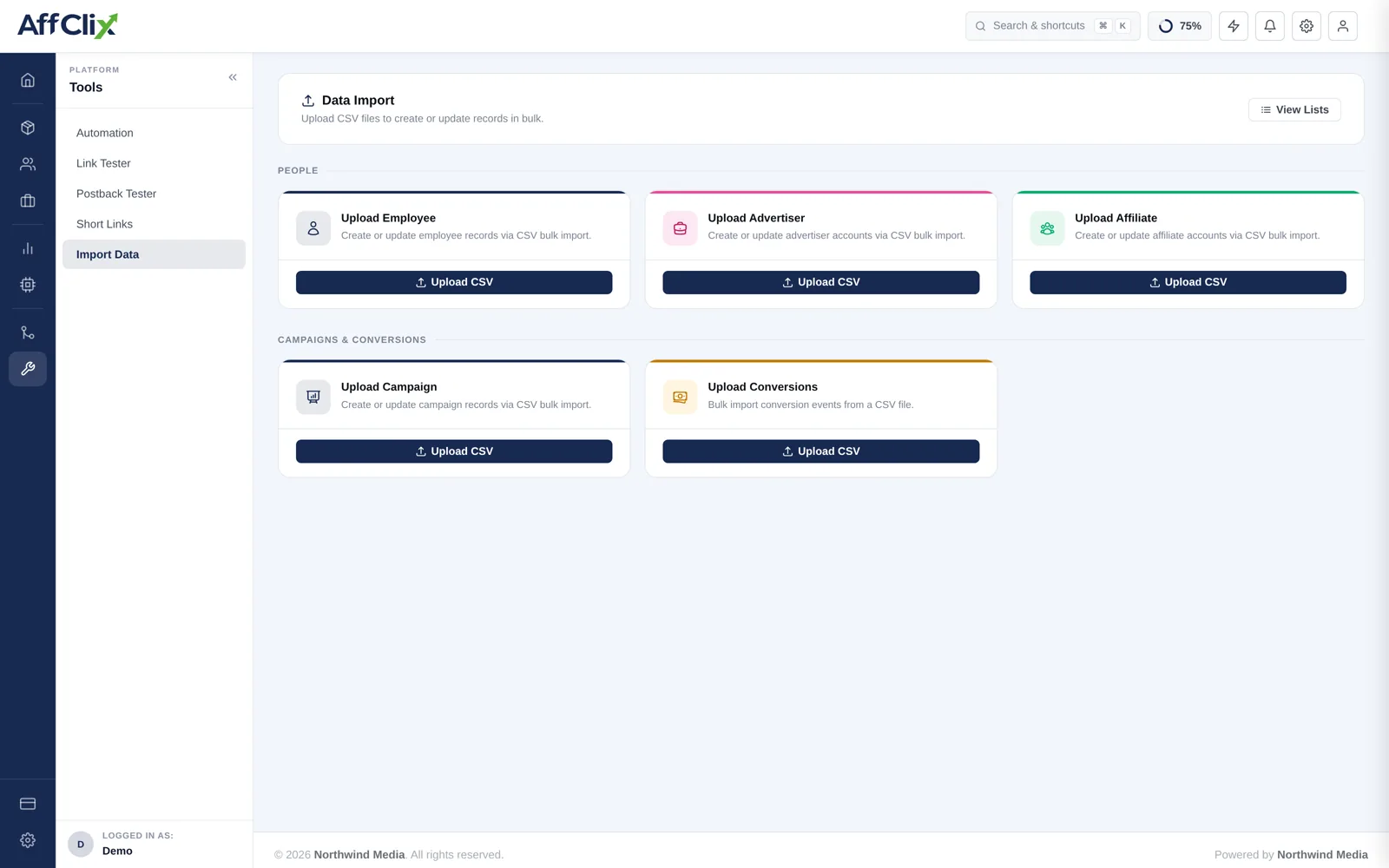
Go to Bulk Import → Data Import and find the Upload Campaign card.
Download the CSV template
It carries the exact column names and order the importer expects. Do not build your own file.
Fill it in, leaving the header row untouched
Save as CSV with UTF-8 encoding.
Trial five rows first
Confirm they import correctly before uploading the full file.
Upload, then review under View Lists
Successful and failed rows are both reported, with a reason per failure.
Column Reference
| Column | Required | Notes |
|---|---|---|
| Campaign Name | Required | Visible to affiliates. |
| Advertiser | Required | Must already exist. Import advertisers first. |
| Campaign URL | Required | Destination with tracking tokens. Must contain {click_id}. |
| Payment Model | Required | CPA, CPL, CPI, CPS, CPC, RevShare. |
| Revenue | Required | What the advertiser pays per conversion. |
| Payout | Required | What the affiliate earns. Keep at or below revenue. |
| Currency | Required | Applies to both amounts. |
| Status | Required | Active, Pending or Ended. |
| Category | Optional | Grouping for browsing and filters. |
| External Campaign ID | Optional | Put the old platform's offer ID here. |
| Start / End Date | Optional | UTC. One consistent format across the file. |
Rules and Validation
Check the payout column before uploading
A decimal error in a spreadsheet becomes a campaign that loses money on every conversion. Sort by payout and by revenue, confirm no row has payout above revenue, and spot-check the largest values.
- Only Basic Info is imported. Targeting, capping, events, creatives and affiliate access are configured per campaign afterwards.
- Campaign Type / Industry cannot be changed after creation — get the vertical right in the file.
- An advertiser that does not exist fails the row.
After the Import
Attach conversion events and set the validation window.
Approve affiliates and issue new tracking links.
Send advertisers their new postback URLs.
Test one campaign end to end with the Link Tester before opening traffic.