Anatomy of a Tracking URL
https://track.yournetwork.com/click?campaign_id=113505&affiliate_id=26380392&sub_aff1=newsletter| Part | Purpose |
|---|---|
| Tracking domain | Your own domain, so the click is recorded before the redirect. |
campaign_id | Which campaign the click belongs to. |
affiliate_id | Who gets credited and paid. |
| Sub-IDs | Optional labels the affiliate uses to segment their own reporting. |
The affiliate never links to the advertiser directly. The redirect through your domain is what records the click, evaluates targeting and caps, and substitutes the macros that let the conversion find its way back.
Building One
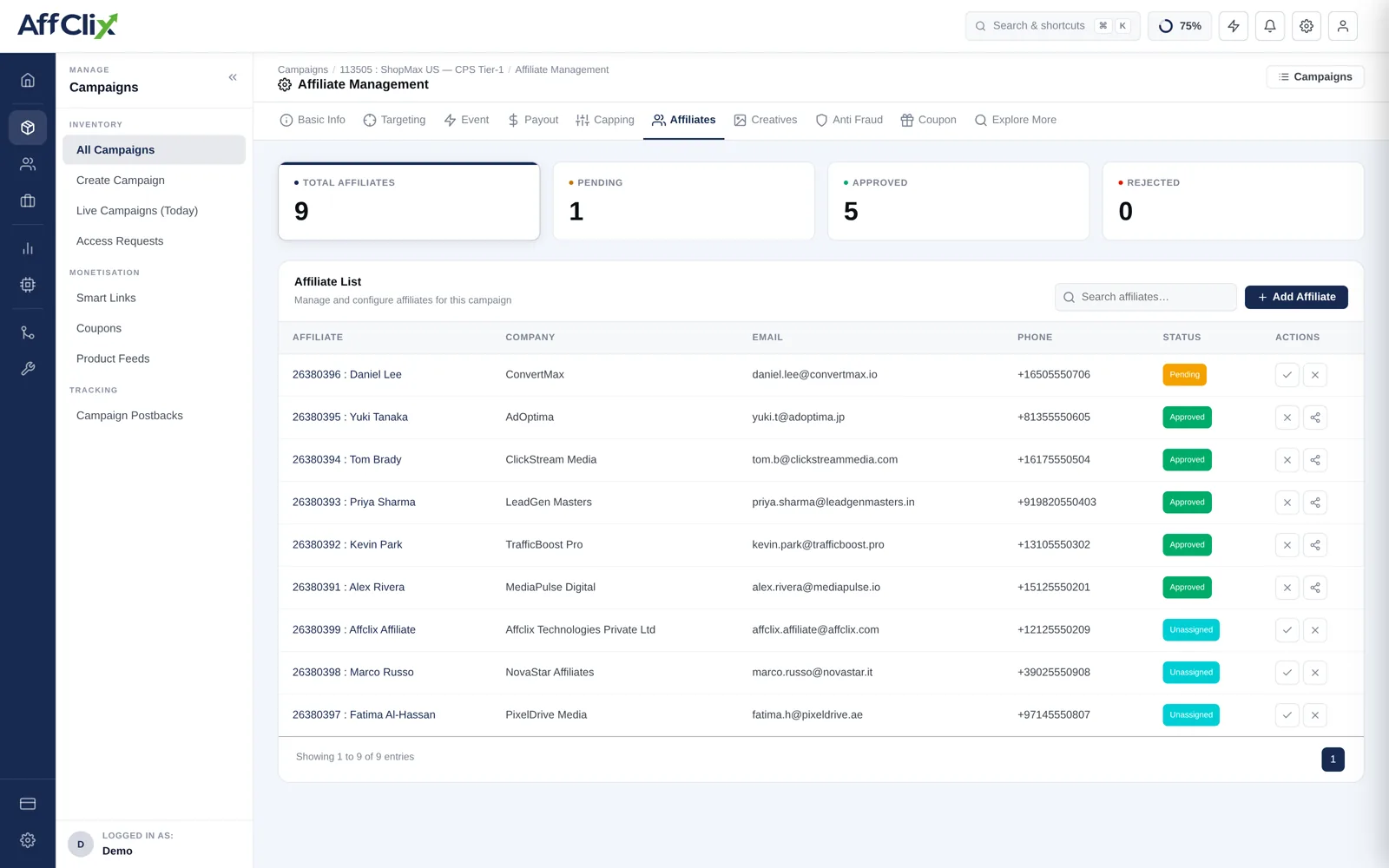
Open the campaign and select Affiliates
The affiliate must already be Approved on this campaign.
Open the Tracking URL Builder for that affiliate
The generated URL updates live as you change options.
Add the parameters the affiliate asked for
Sub-IDs, device identifiers, platform click IDs — see the macro reference.
Copy or send it
Copy URL puts it on the clipboard; Send URL emails it to the affiliate directly.
Output Formats
| Format | Use it for |
|---|---|
| Standard link | The default. Works anywhere a URL works. |
| Landing Page | Pins the link to one landing page instead of the weighted rotation. |
| Impression URL | A view-tracking pixel for display placements that need impression counts. |
| QR Code | Print, packaging and offline placements. |
| Short URL | SMS, social bios and anywhere characters are limited. |
It expands to the same link and records the same click. It does add one redirect hop, which is worth knowing when you are debugging a slow landing experience on mobile.
Sub-IDs
Ten slots, sub_aff1 to sub_aff10, plus aff_click_id for the affiliate's own click reference. Each becomes a filterable column in the Clicks Report.
Most affiliates pass dynamic tokens from their own ad platform:
https://track.yournetwork.com/click?campaign_id=113505&affiliate_id=26380392&sub_aff1={{site_source_name}}&sub_aff2={{ad_id}} The token syntax belongs to their platform, not to AffClix — whatever arrives in the parameter is stored verbatim. Values containing &, = or spaces must be URL-encoded, or the advertiser's parameter parsing will break at the first unescaped separator.
Testing Before You Send
Common Problems
| Symptom | Likely cause |
|---|---|
| Link redirects but no click is recorded | The affiliate is not Approved on this campaign, or the campaign is not Active. |
| Clicks recorded, conversions never arrive | {click_id} missing from the campaign URL, or the advertiser is not firing the postback. |
| Sub-IDs arrive empty | The affiliate's platform is not substituting its tokens, or the parameter name is misspelled. |
| Traffic redirects to a different campaign | Targeting or a cap rejected the click and Fallback sent it to the trafficback destination. |
| Conversion credited to the wrong affiliate | The link was shared or scraped. Each affiliate needs their own URL. |
The affiliate ID in the URL is the whole basis of attribution. A link forwarded between partners credits every conversion to whoever the link was issued to.