When to Use Them
The alternative — one campaign per destination — costs you comparability. Landing pages keep a single campaign, single payout and single report while varying only the page.
- A/B testing. Two versions of the offer page, equal weight, and the conversion rate tells you which one wins.
- Geo-specific pages. A localised page per market, without duplicating the campaign.
- Gradual rollout. Send 10% to a new page and 90% to the proven one until the numbers hold up.
- Load spreading. Split across mirrored destinations when the advertiser asks for it.
Affiliates keep the same URL. The split happens on your side at redirect time, so you can add, reweight or remove a page without reissuing a single link.
Enabling Landing Pages
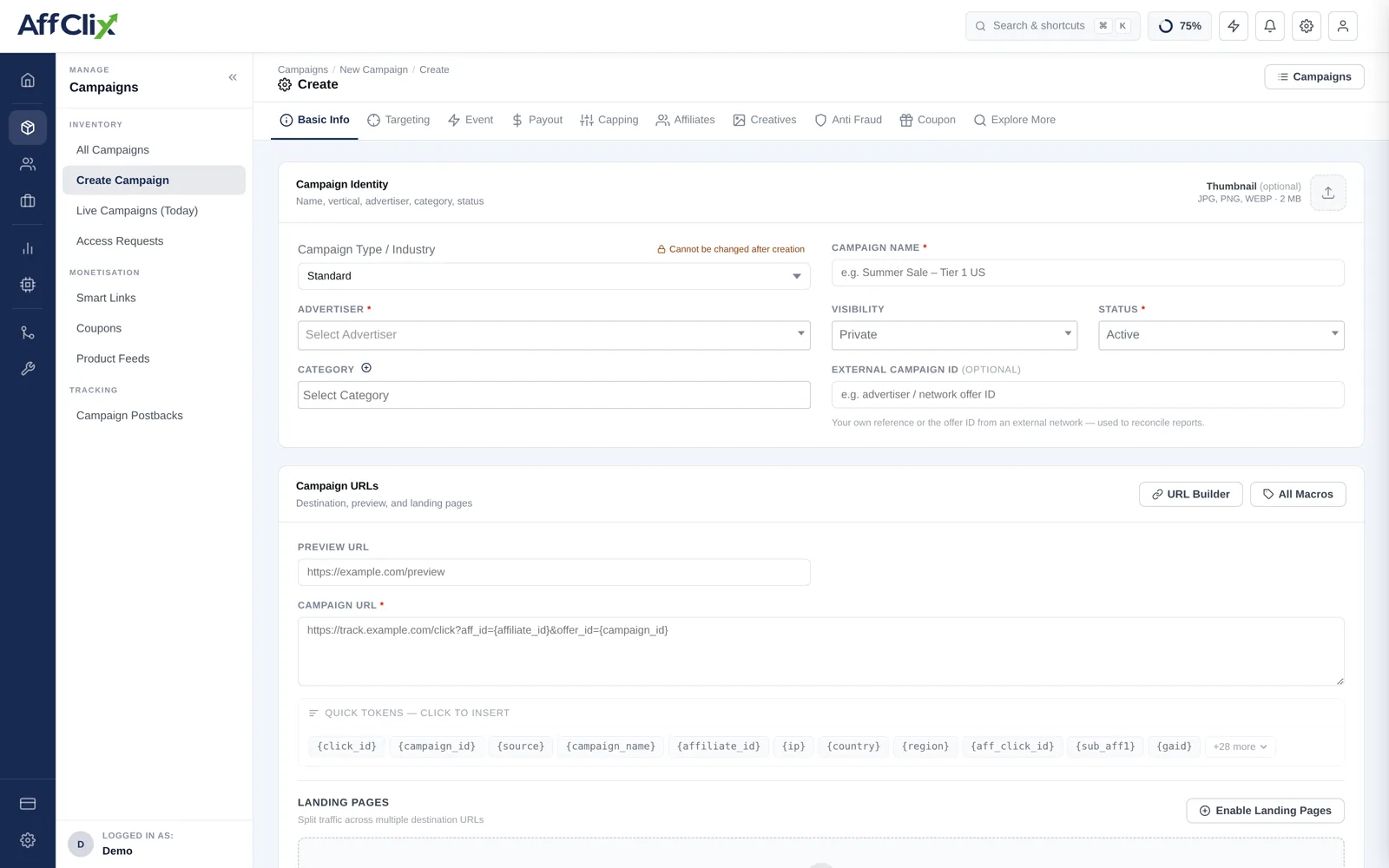
Landing pages are off by default — a campaign with one destination does not need them. On Basic Info, find the Landing Pages block under Campaign URLs and press Enable Landing Pages, then Add First Landing Page.
Field Reference
| Field | Description |
|---|---|
| Name | How the page is identified in reports and in the affiliate link builder. Name it after what differs — Long form — testimonial, not LP2. |
| Landing Page URL | The destination, with the same tracking tokens as the campaign URL. {click_id} is required here too. |
| Weight | Relative share of traffic. Higher takes more. |
Tokens are not inherited from the campaign URL. A landing page missing {click_id} will take traffic and convert, and none of those conversions can be attributed — which reads in reporting as one page mysteriously underperforming.
How Weights Work
Weights are relative, not percentages. Each page receives its weight divided by the total of all weights.
| Weights set | Total | Resulting split |
|---|---|---|
| 50 / 50 | 100 | 50% / 50% |
| 1 / 1 | 2 | 50% / 50% — same result, simpler numbers |
| 90 / 10 | 100 | 90% / 10% |
| 3 / 1 / 1 | 5 | 60% / 20% / 20% |
| 10 / 0 | 10 | 100% / 0% — a weight of zero parks a page without deleting it |
The split is applied per click, so the observed distribution converges on the configured one as volume grows. On a few hundred clicks expect it to be close, not exact.
Affiliate-Selected Pages
An affiliate can bypass the rotation and send traffic to one specific page. In the tracking URL builder on the Affiliates tab, choosing Landing Page produces a link pinned to that destination.
This is useful when a partner's audience only suits one variant — but it also removes them from the test. If you are measuring which page converts better, keep the test traffic on the rotation.