Running the Import
Open Data Import
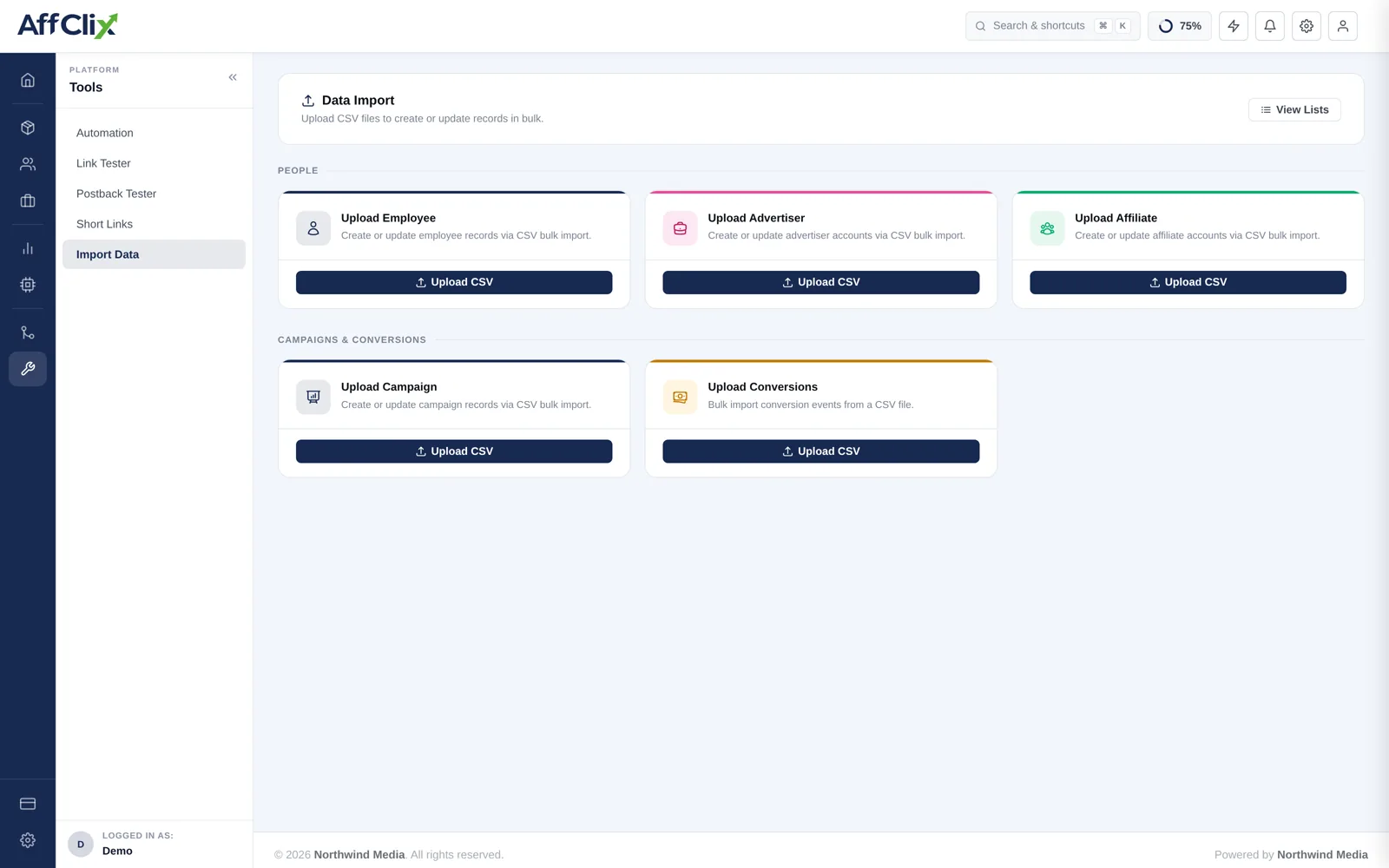
Go to Bulk Import → Data Import and find the Upload Advertiser card.
Download the CSV template
It carries the exact column names and order the importer expects. Do not build your own file.
Fill it in, leaving the header row untouched
Save as CSV with UTF-8 encoding.
Trial five rows first
Confirm they import correctly before uploading the full file.
Upload, then review under View Lists
Successful and failed rows are both reported, with a reason per failure.
Column Reference
| Column | Required | Notes |
|---|---|---|
| Required | Advertiser portal login. Unique per network. | |
| Password | Required | Initial portal password. |
| First / Last Name | Required | Your contact at the client. |
| Status | Required | Active, Pending or Rejected. |
| Company | Optional | The legal entity you invoice. Use the registered name. |
| Website | Optional | Their main property. |
| Mobile Number | Optional | With country code. |
| Account Manager | Optional | Must already exist. |
Rules and Validation
The IP whitelist is not part of the import
Postback IP restrictions are set per advertiser on the record itself. Imported advertisers start with an empty whitelist, which accepts postbacks from any address. Populate it before their campaigns go live — see Update an Advertiser.
- Duplicate email addresses fail the row.
- An account manager who does not exist fails the row.
- Advertisers must exist before campaigns can be imported against them.
After the Import
Set the postback IP whitelist on each advertiser.
Import or create their campaigns.
Send each advertiser their new postback URL — the old platform's will not work.
Record their previous offer IDs in External Campaign ID for reconciliation.