The Affiliate List
Affiliates → All Affiliates lists every account with its company, contact details, assigned account manager and status. Counters across the top break the roster down by status.
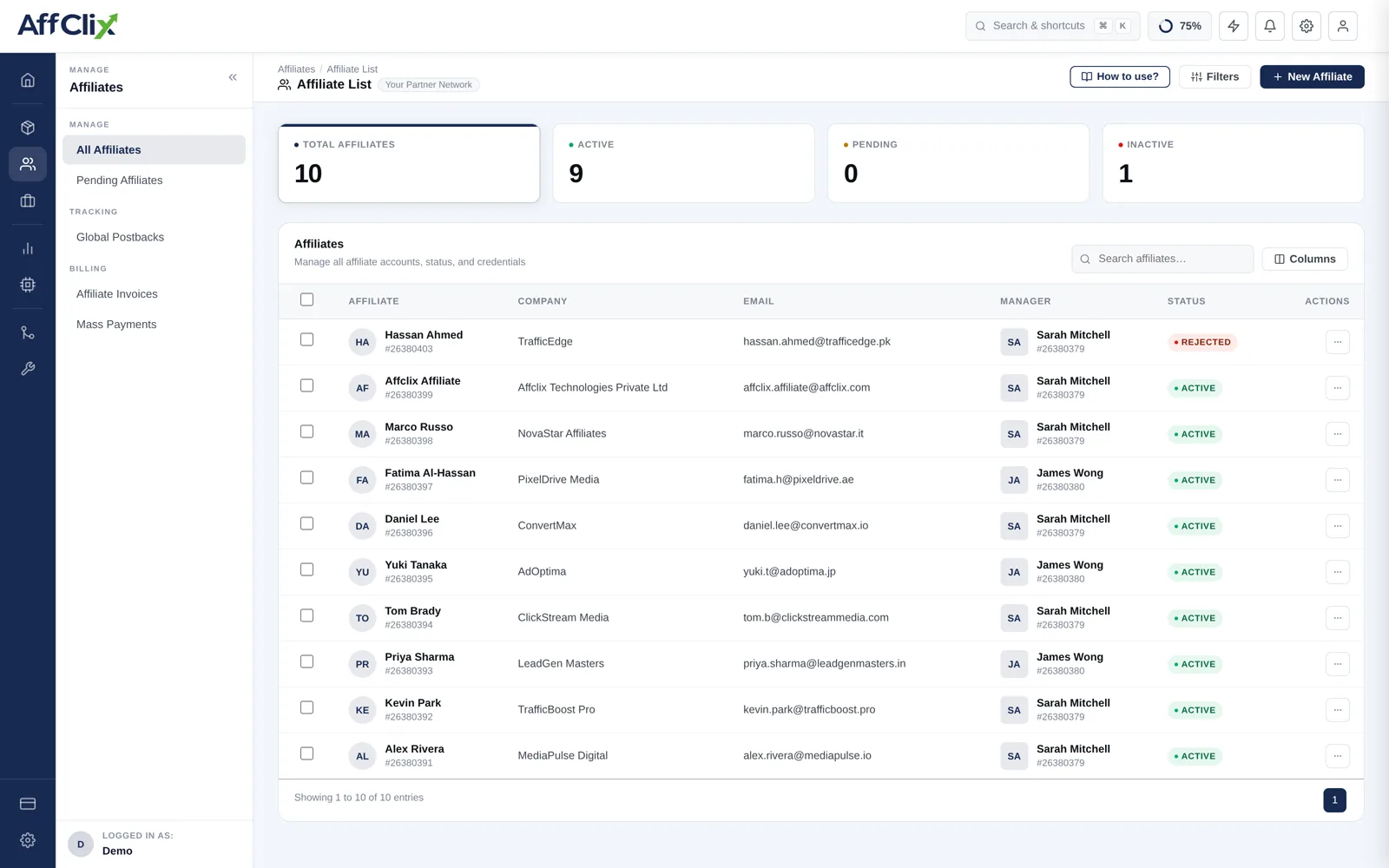
Team members can be restricted to only the affiliates assigned to them. If a colleague cannot find an account you can see, check their data access settings in Team Members before assuming a bug.
Access Requests
Two different queues use the word "pending", and confusing them wastes time:
| Queue | What is being requested | Where |
|---|---|---|
| Pending affiliates | A new account wants to join your network at all. | Affiliates → Pending Request |
| Campaign access requests | An existing affiliate wants to run one specific campaign. | Campaigns → Access Requests, or the campaign's Affiliates tab |
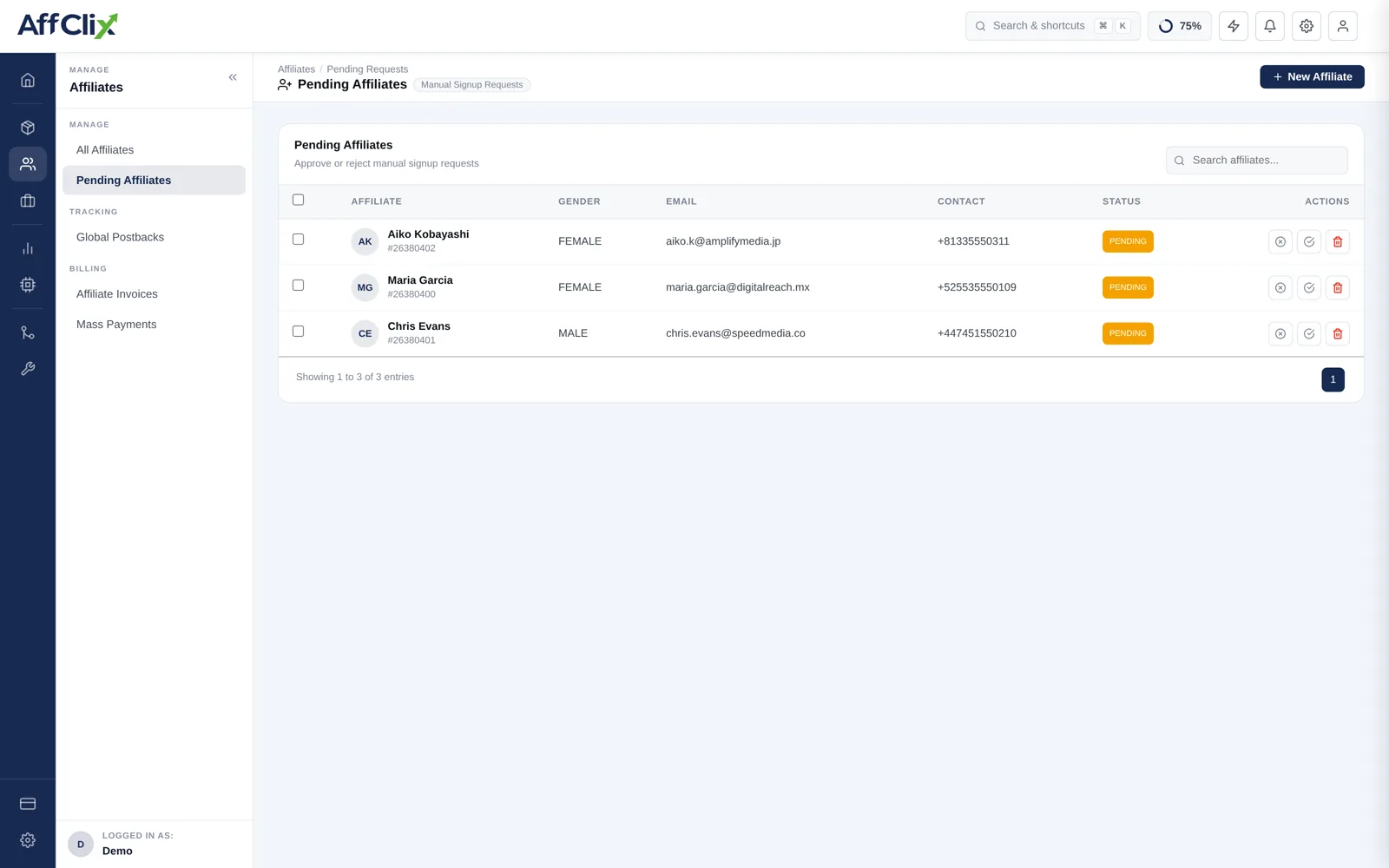
Approving a network-level request opens every Public campaign to that affiliate at once. Treat it as the larger decision of the two.
Per-Affiliate Actions
| Action | What it does |
|---|---|
| Edit | Update contact details, company, status or account manager — see Update an Affiliate. |
| Change status | Move between Active, Pending and Rejected. Takes effect on the next click. |
| Log in as | Open their portal as they see it — the fastest way to resolve "I cannot find the link". |
| View reports | Their clicks, conversions and earnings, scoped to this affiliate. |
Logging in as an affiliate is written to the audit trail with your identity attached. It is a support tool, and it is visible to anyone reviewing the log later.
Suspending an Affiliate
Setting an account to Rejected stops new clicks immediately. It does not undo what already happened, so work through the rest deliberately:
Set the status to Rejected
New clicks stop at once. Conversions already recorded stay on the books.
Review their recent conversions
If you suspended them for quality, the conversions in the pending window need a decision before they are approved and become payable.
Check the fraud reports
The Clicks Report and the suspicious traffic view will show whether the pattern extends further back than you thought.
Tell the advertiser if their traffic is affected
Advertisers forgive a proactive disclosure. They rarely forgive discovering it themselves.
Settle what is genuinely owed
Withholding legitimate earnings is a dispute you will lose, and it travels by word of mouth.