What Targeting Does
Every click is evaluated against the campaign's targeting rules before the visitor is redirected. Matching traffic goes through to the advertiser. Non-matching traffic is rejected, and — if you have configured it — sent to a fallback destination instead.
Three reasons this matters more than it first appears:
- The advertiser will not pay for traffic they excluded. Sending it anyway converts affiliate spend into unbillable volume.
- Rejected traffic is measurable. A rule rejecting most of an affiliate's clicks tells you their targeting is wrong before they burn a budget.
- It is the cheapest fraud filter you have. Geo mismatches catch a lot of low-effort invalid traffic on their own.
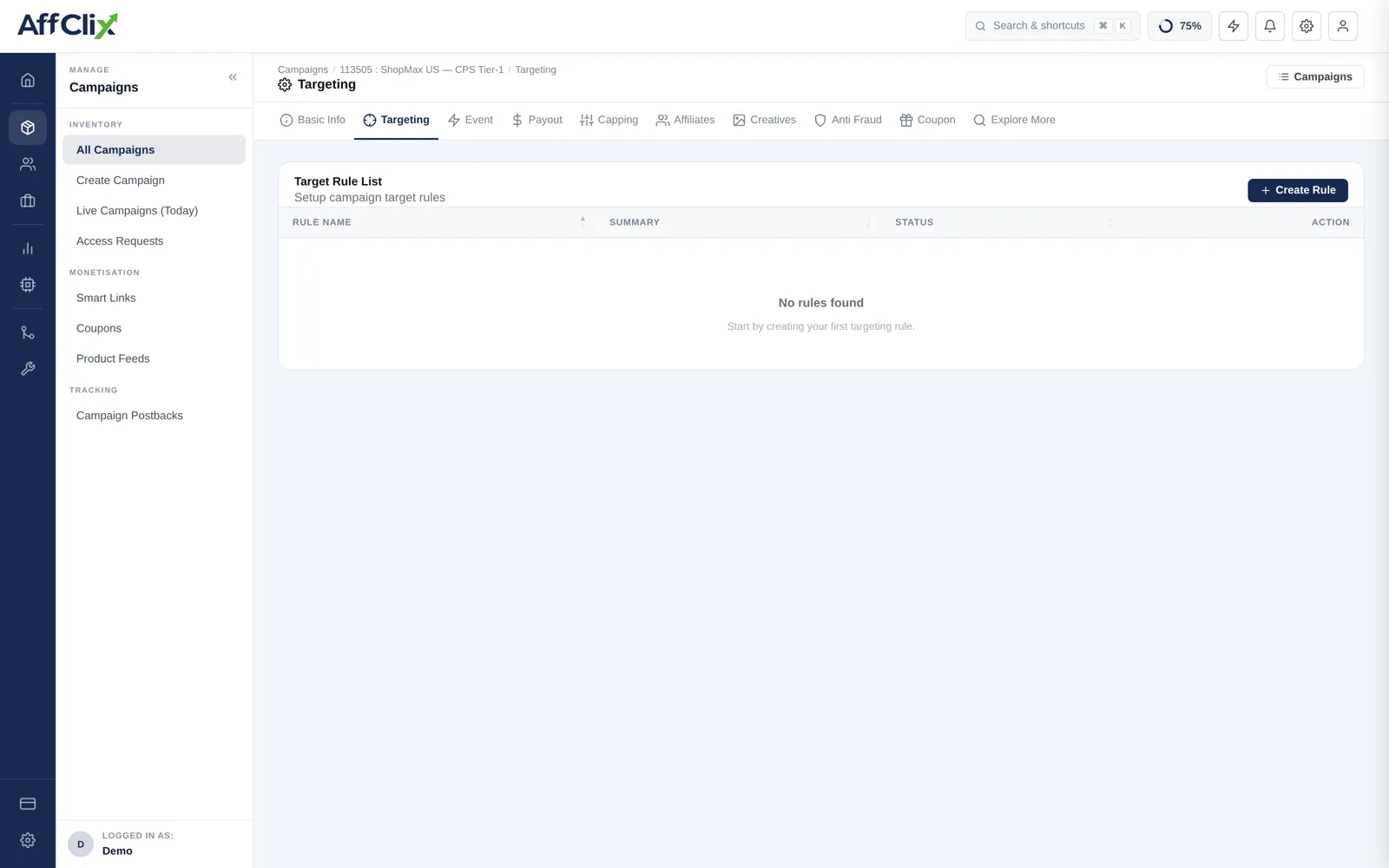
An empty rule list is not a safe default — it accepts every geo, device and connection type. If the advertiser named any restriction at all, it belongs here rather than in an email nobody rereads.
Targetable Dimensions
| Dimension | Typical use |
|---|---|
| Country | The most common restriction. Resolved from the visitor IP. |
| Region / State | Regulated verticals where an offer is only licensed in some states. |
| City | Local services and store-driven offers. |
| Device type | Mobile, tablet or desktop. App installs are mobile-only by definition. |
| Operating system | iOS versus Android, often with a minimum version. |
| Browser | Rare, but useful when a landing page genuinely breaks somewhere. |
| Connection type | Wi-Fi versus carrier data, for large downloads or carrier-billed offers. |
| ISP / Carrier | Carrier-billing offers that only settle on specific networks. |
Rules can allow or block, and can be combined. For how to compose them and how conflicting rules resolve, see Targeting Rules.
Where It Sits in the Click Path
Targeting is one gate among several. A click passes through them in this order:
Campaign status and schedule
Is the campaign Active and inside its start and end window?
Affiliate access
Is this affiliate approved on this campaign?
Targeting rules
Does the visitor's geo, device, OS and connection match?
Capping
Has a click or conversion cap already been reached for this period?
Fraud checks
Does the click clear the anti-fraud thresholds on the campaign?
Redirect
Macros are substituted and the visitor is sent to the campaign or landing page URL.
Knowing the order matters when you debug: a click blocked by affiliate access never reaches targeting, so loosening a geo rule will not fix it.
What Happens to Rejected Traffic
By default a rejected click is recorded and stops there. That is a wasted visit for the affiliate, and they paid for it.
Configure Fallback (Trafficback) on the Anti Fraud tab to redirect it instead — to another campaign or a direct URL — with Geo / Device targeting mismatch as one of the trigger conditions. The affiliate recovers some value, and you keep the relationship.
Targeting is invisible from the affiliate's side — their clicks simply stop converting. Put the accepted geos and devices in the campaign KPI field so they can target correctly from the start.
Debugging a Rejection
When an affiliate says their traffic is not going through, work in this order: