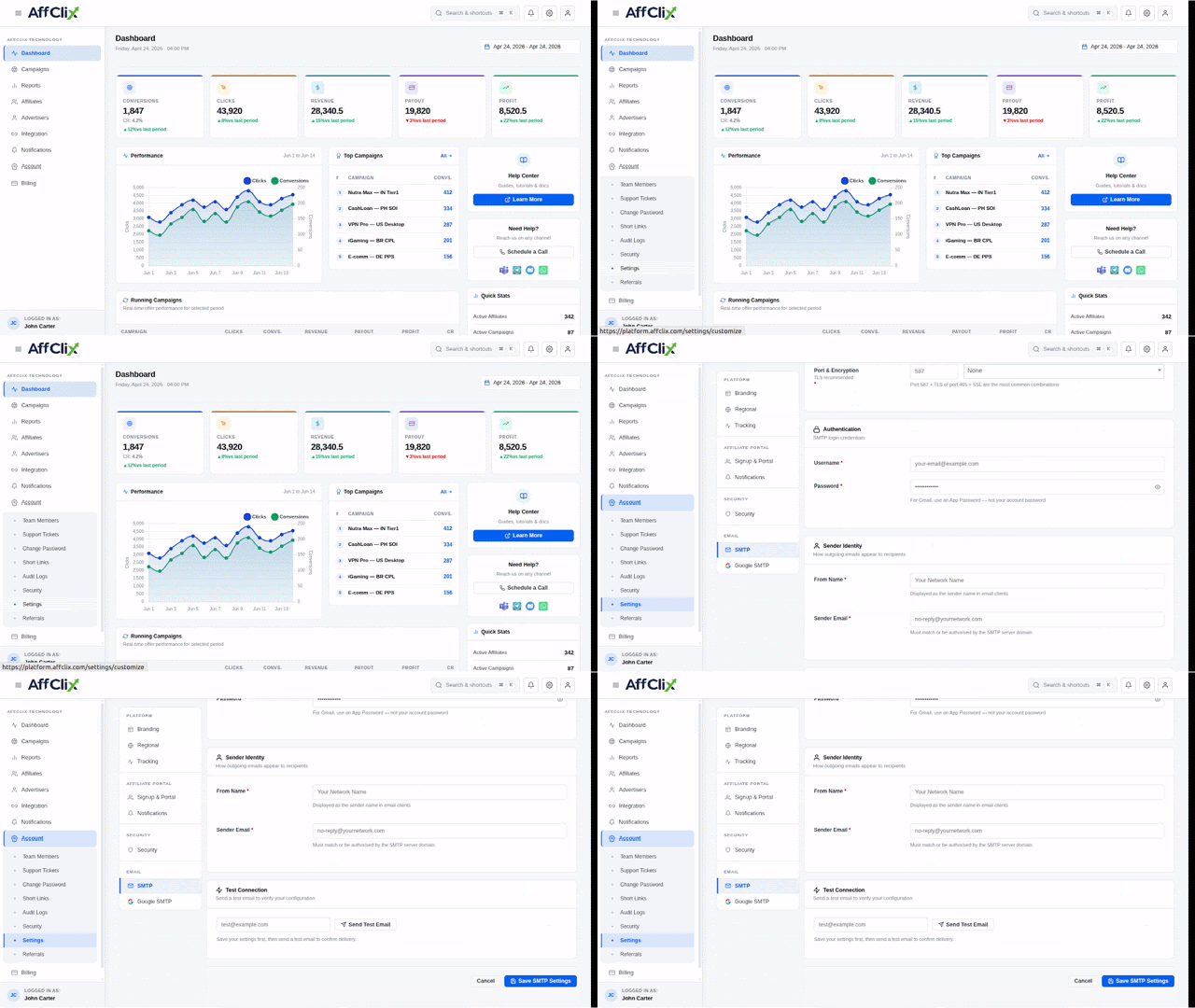
General SMTP Configuration
To integrate SMTP into your application, you need:
- SMTP Server: Server address
- Email: Sender email
- Username: Login username
- Password: Password or App Password
- Port: 587
- Security: STARTTLS
Microsoft Outlook SMTP Configuration
Microsoft Outlook supports SMTP for both personal and Office 365 accounts.
| SMTP Server | smtp-mail.outlook.com / smtp.office365.com |
| Your Outlook email address | |
| Username | Your Outlook email address |
| Password | Password or App Password (with MFA) |
| Port | 587 |
| Security | STARTTLS |
Setup Steps
- Log in to your Microsoft account
- Enable Two-Factor Authentication (optional)
- Generate App Password if required
- Configure SMTP settings in your application
- Send a test email
Note
Ensure SMTP access is enabled by your organization (Office 365).